User guide
Ride Safety
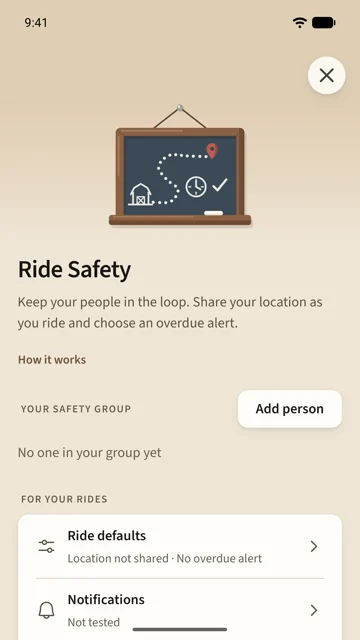
Ride Safety lets the people you choose see where you are while you ride, and raises an alert for them if you are not back when you said. It is separate from the ride recording, and off until you set it up.
On this page
Build your safety group
Open Ride Safety from the Profile tab and tap Add person.
- Share your invite link or QR code, or scan theirs.
- Or pick a barn member and send a request.
A connection works both ways once the other person accepts. Each of you still decides, ride by ride, whether to share.
Choose your ride defaults
Ride defaults sets what a new ride does.
- Off: your rides stay private.
- Share location: your group can see where you are while you ride.
- Share location + alert if late: that, plus a ride length. If you have not checked in by then, your group is alerted.
Your choice is remembered on this phone and shows on the Ride tab above Start ride.
Start a ride with an alert
When your ride has an alert, Start ride asks how long you will be out, with your last answer filled in. Confirm and the ride starts; the card shows the time you are due back. If Saddle cannot reach your group just then, Start without safety records the ride privately.
At least one person in your group needs Saddle on a phone that can receive alerts before an alert ride can start.
While you ride
- Add time pushes your due time back. The old time stands until Saddle confirms the new one.
- Check in safely tells your group you are back. Finishing the ride checks you in too.
- A reminder reaches your phone ten minutes before your due time. If you are still out fifteen minutes after it, your group gets the alert.
Your group sees your recent locations, not your whole route, and each one carries its time.
If someone in your group is late
The alert opens their safety page, with their last shared location and when it was shared. Reach them directly first. Confirm rider is safe closes the alert for everyone once you know they are.
Saddle does not contact emergency services.